
THIS MIGHT SAVE YOU 3-5 SECONDS A DAY.
3-5 seconds a day might not make a big difference in our lives. We could simply lose the saved time by carrying away with thoughts or starring in the air for no apparent reason. However, you might just save the hassle to open the same documents and applications every morning.
Here is a trick to automatically open your Excel, Word, or any other applications whenever you turn on your PC. While letting the computer does the job for you, you could grab a coffee and mingle with the best.
Steps:
- Right Click on your documents or application.
- Make a Shortcut (this will duplicate the file in the same folder)
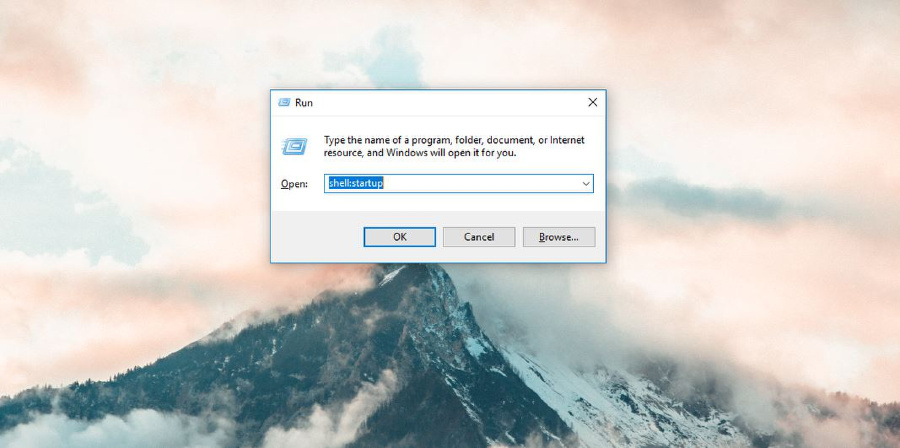
- Go to Start > type in shell:startup
- Drag the file into the startup folder
- Restart the PC and see the magic!
Check out the screenshots attached if you need!


Do you have a better method? Feel free to share by commenting below. =D
 Tech That Matters