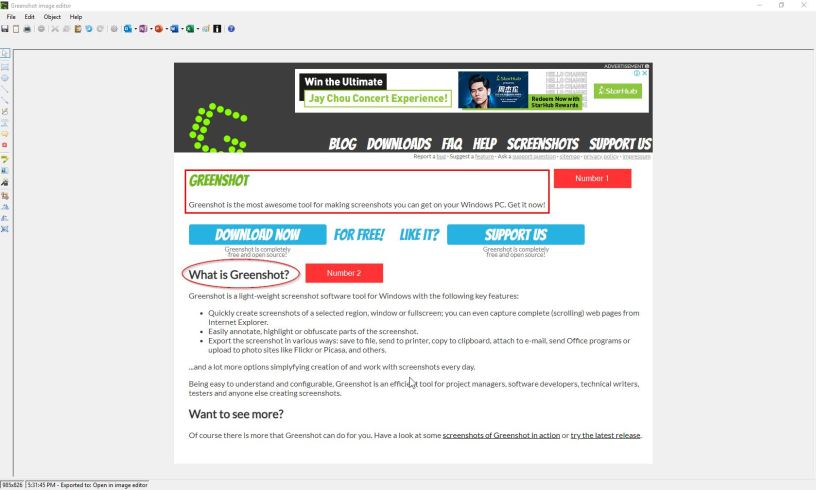
Full screenshot or partial screenshot, we all need it for our work. Snipping Tool included in Windows is useful. However, it has limitations on editing functions and it cannot take certain screenshot where drop-down fields are opened.
Thus, the introduction of Greenshot. Greenshot is free desktop application that gives you more options after you captured the screen. For example, you can draw rectangular frames, circular frames, add text and more.
Additionally, you can capture screen with drop-down menu opened for web applications. Download now at: https://getgreenshot.org/
After you have installed, just click on ‘Prnt Scrn’ button on your keyboard to activate Greenshot. To exit Greenshot, click on ‘Esc’ button.
What’s more! You can also save the image in different format!
 Tech That Matters