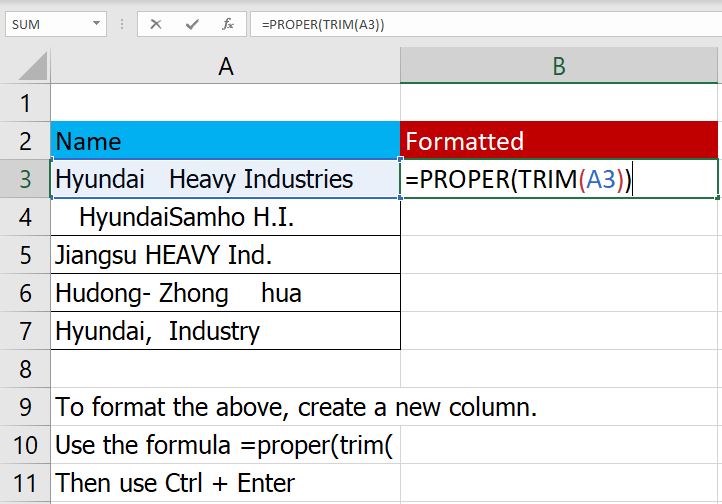
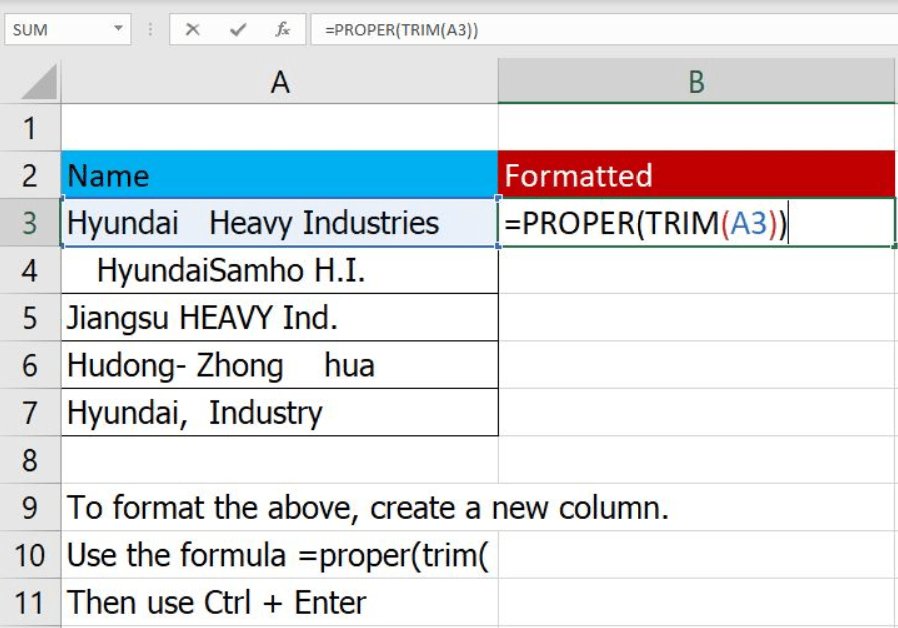
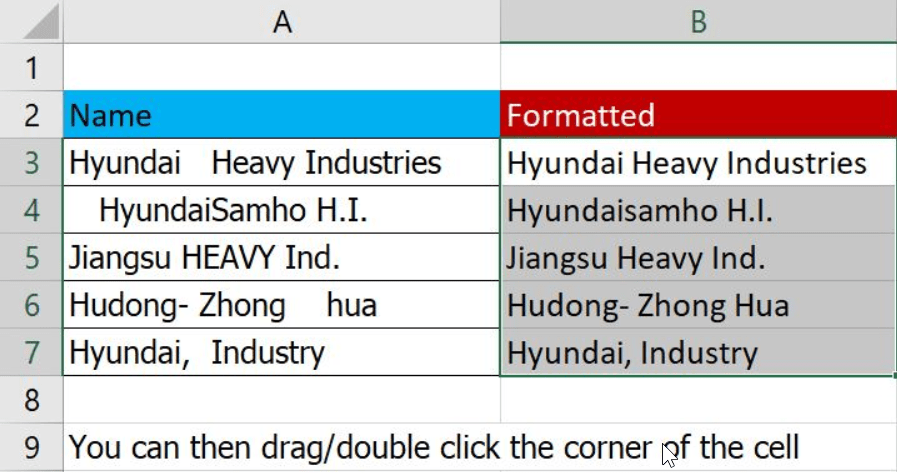
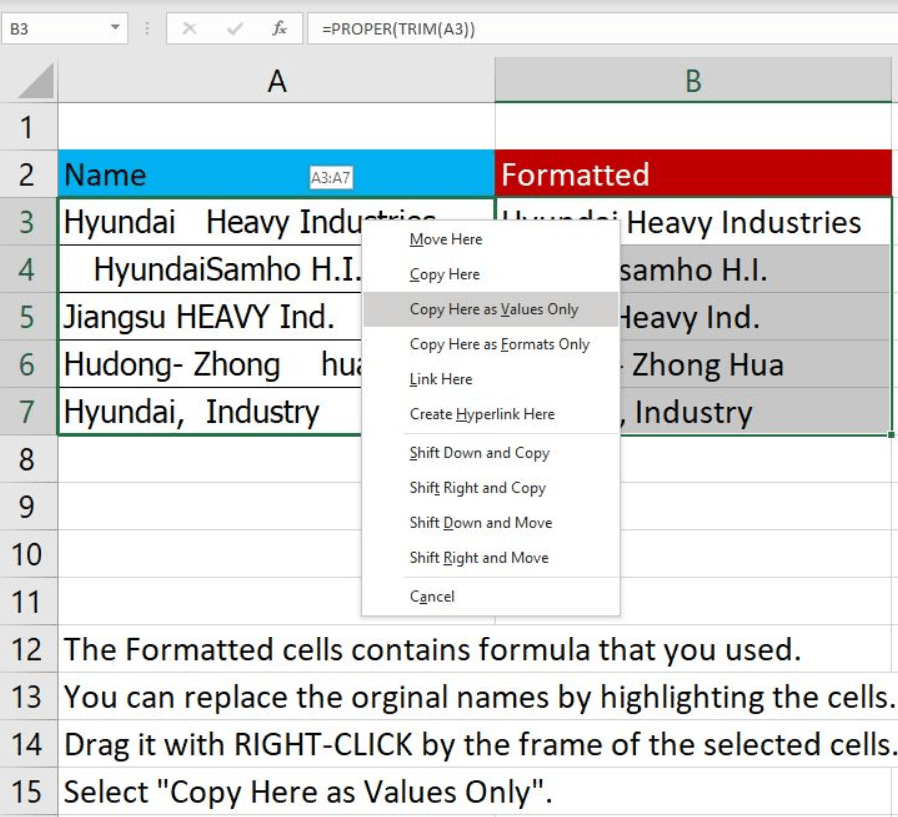
In older IT systems, data validations might not be implemented when new data is added into the database. E.g. adding a client company name. Thus, the data is poorly formatted. In order to standardize the data format, we can use PROPER() and TRIM() functions in excel. After you completed cleaning the data, you can replace the existing one in the database.
=PROPER() – Capitalize first letter only
=TRIM() – Remove front, back and extra white-spaces between a word
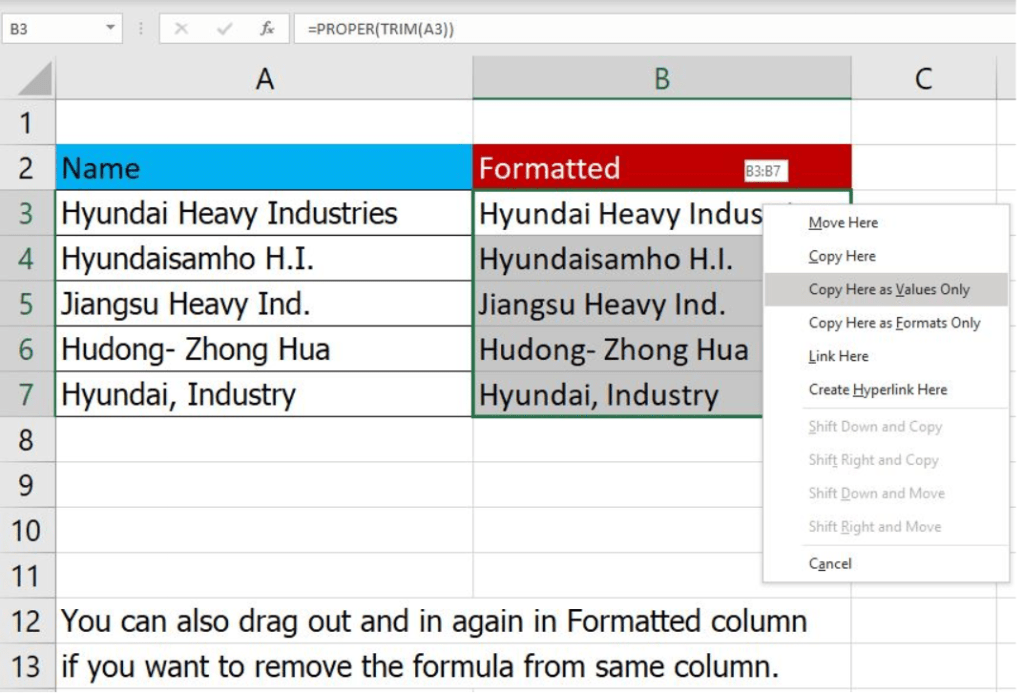
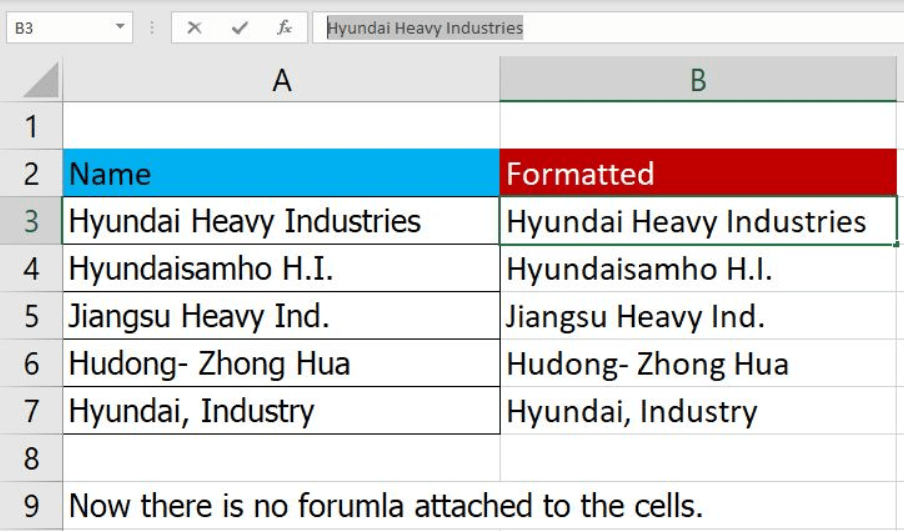
Here is a video tutorial to help you: https://youtu.be/1rf9WmXIRFs
 Tech That Matters