
You can send relevant emails (with attachement) to Teams channel by sending to the channel email address!
You may want to use this feature if you need to share the email with the team members in the channel.
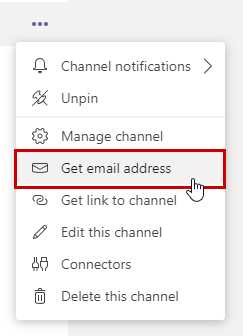
Simply go to any sub-channel of the Teams group and copy the email address. Forward your email to the copied address.
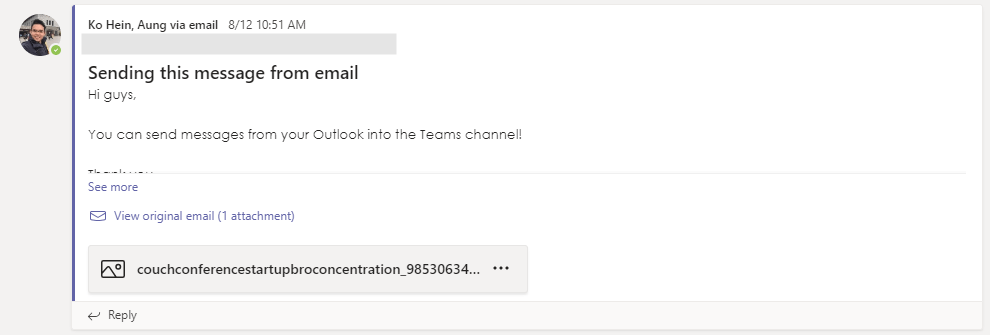
The email message and attachments will appear in the channel posts shortly!
 Tech That Matters