
Do you want your Teams messages to be read out loud? Or simply would like to read the messages with larger text and cooler styles?
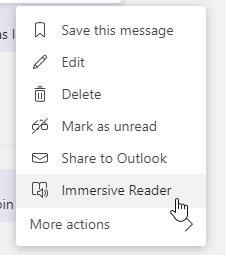
You can do so by going to any message and click on more option (3 dotted line). Then click on “Immersive Reader” button!
Check out the read panel below!
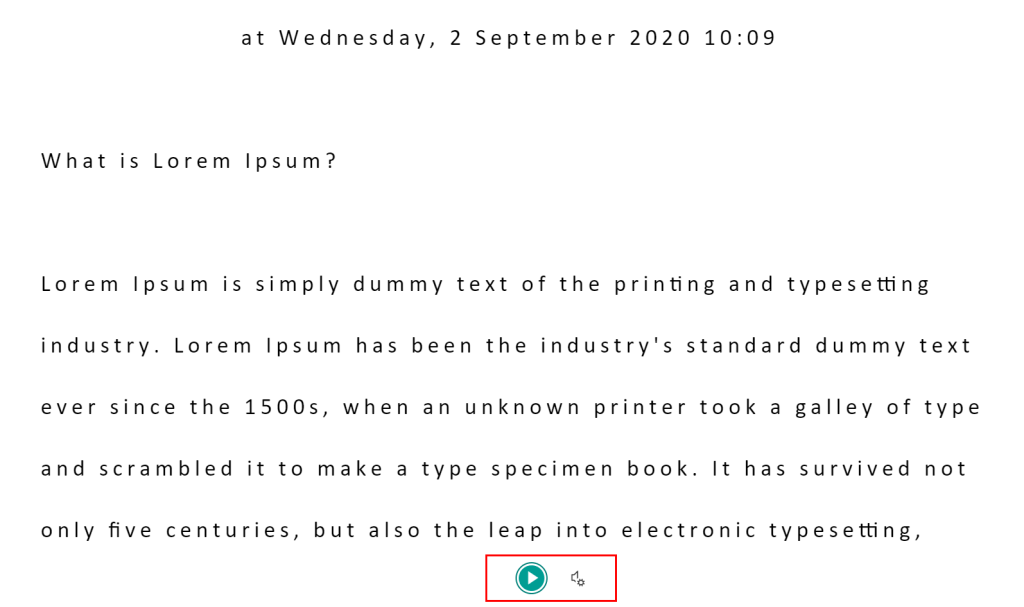
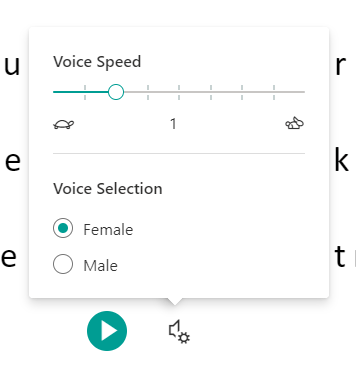
You can control the speed and the gender of the voice.
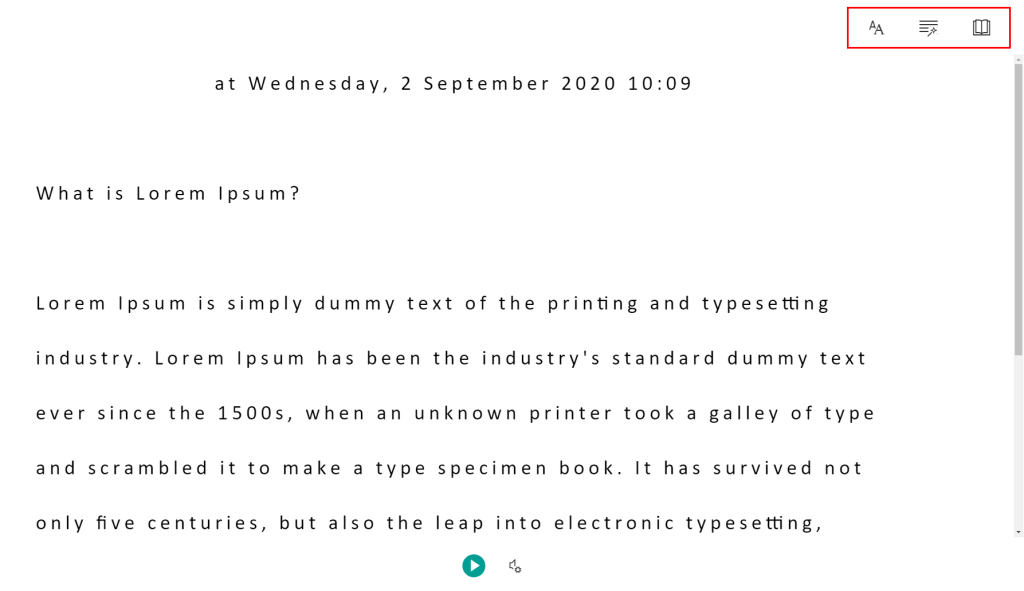
To change the text styles, you can choose from the option at the top right hand corner.
 Tech That Matters