
Sometimes, it’s hard to illustrate what you are thinking over a call. But do you know that you could draw your explanations using an inbuilt whiteboard in Teams?
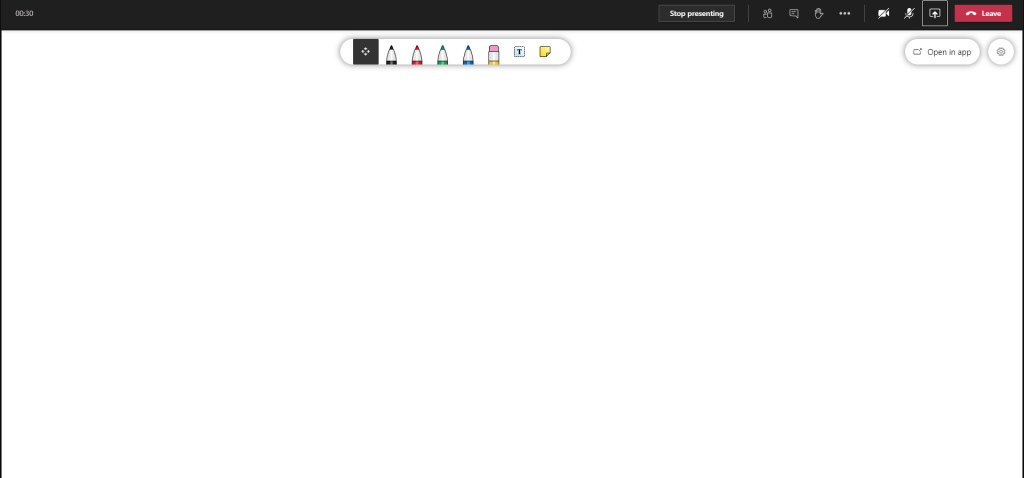
1. Join a meeting in your calendar.
2. Click on Share Content (share screen).
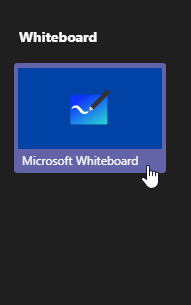
3. Click on Microsoft Whiteboard icon at bottom right of the screen.
You could also export your drawings under whiteboard settings!
 Tech That Matters