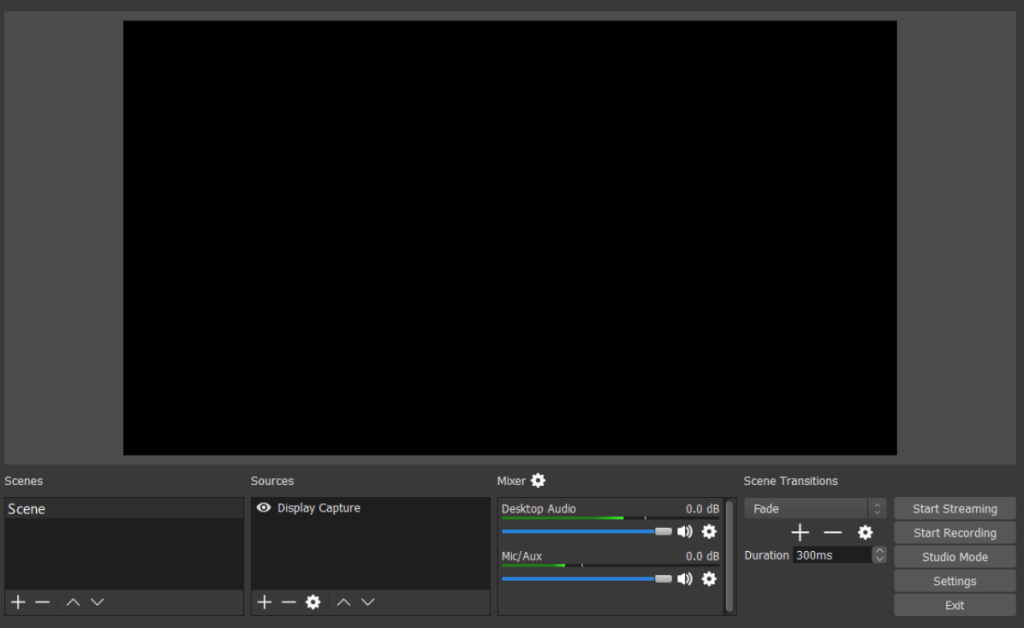
If you are having a blank or black screen when using display capture on OBS Studio, you can try the below fix!
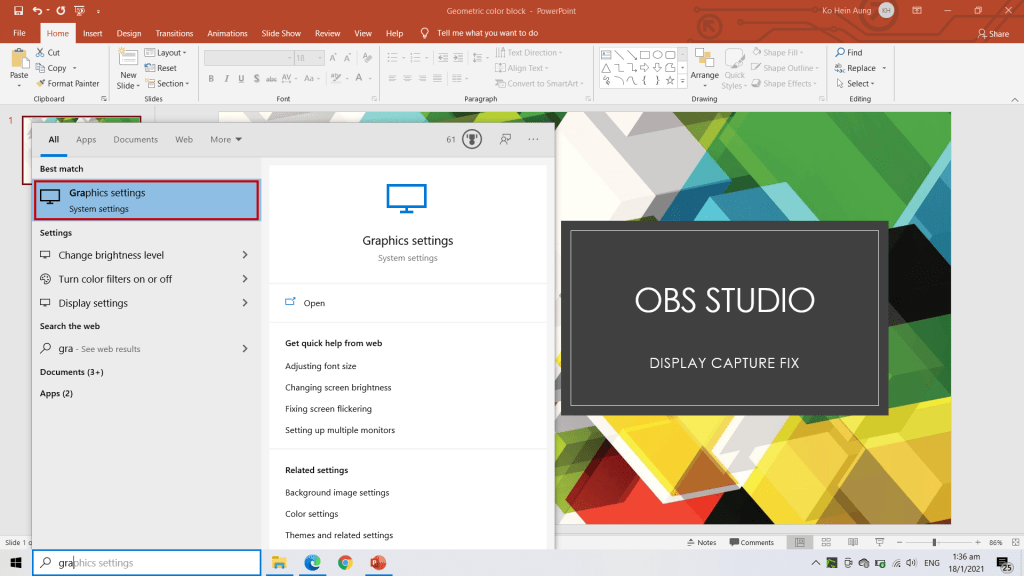
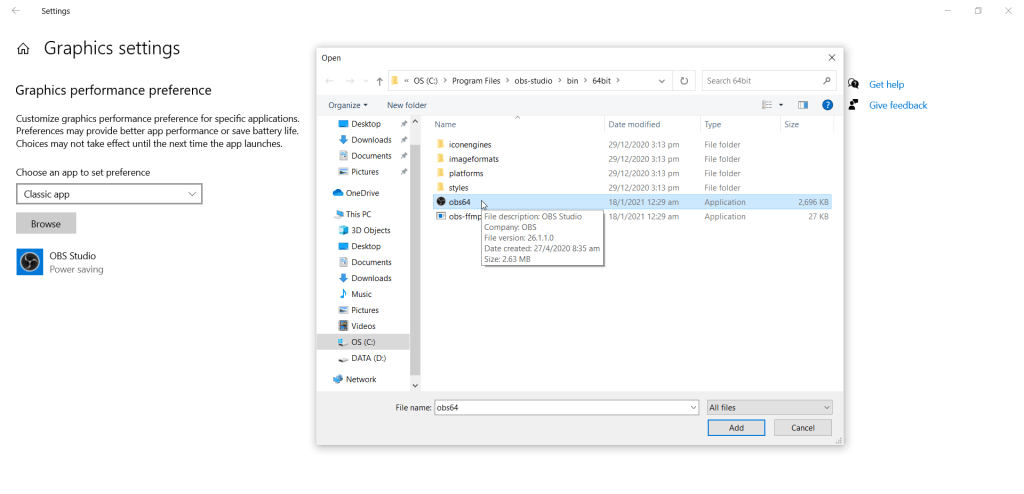
Step 1: Go to Graphics Setting in Windows.
Step 2: Select Classic App.
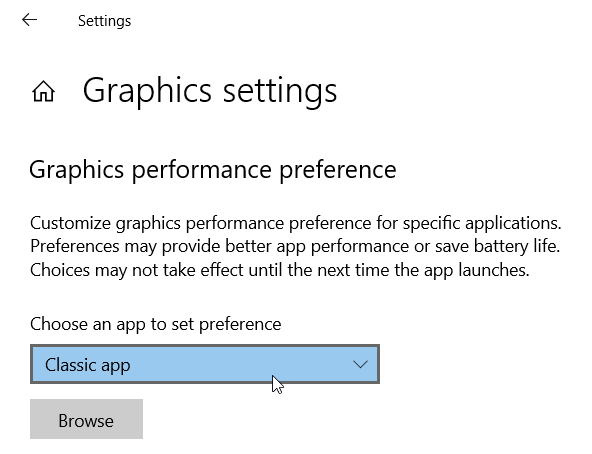
Step 3: Click on Browse and select OBS icon in C:\Program Files\obs-studio\bin\64bit
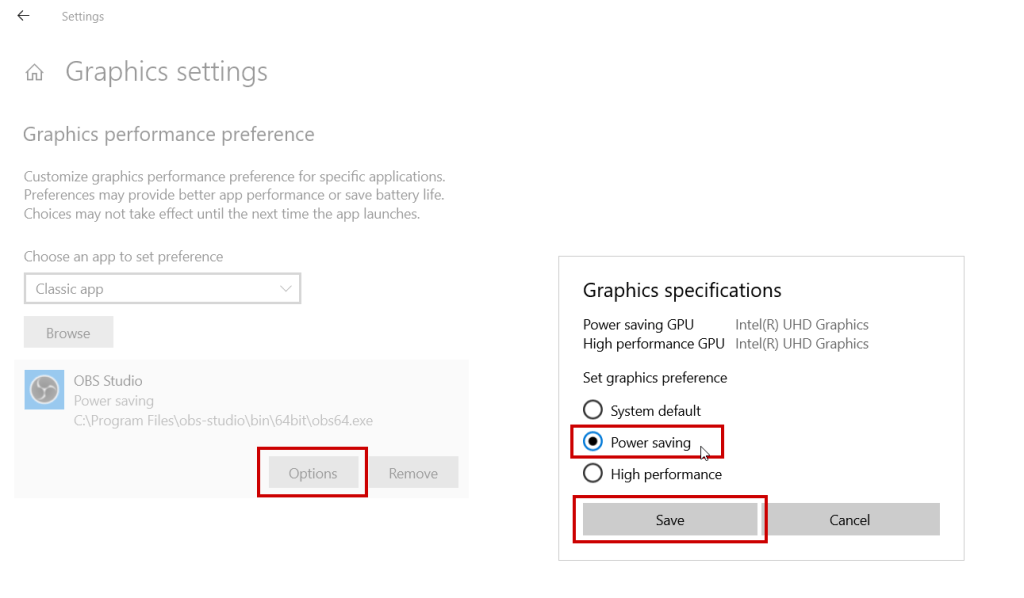
Step 4: Click on Options > Select Power Saving > Save.
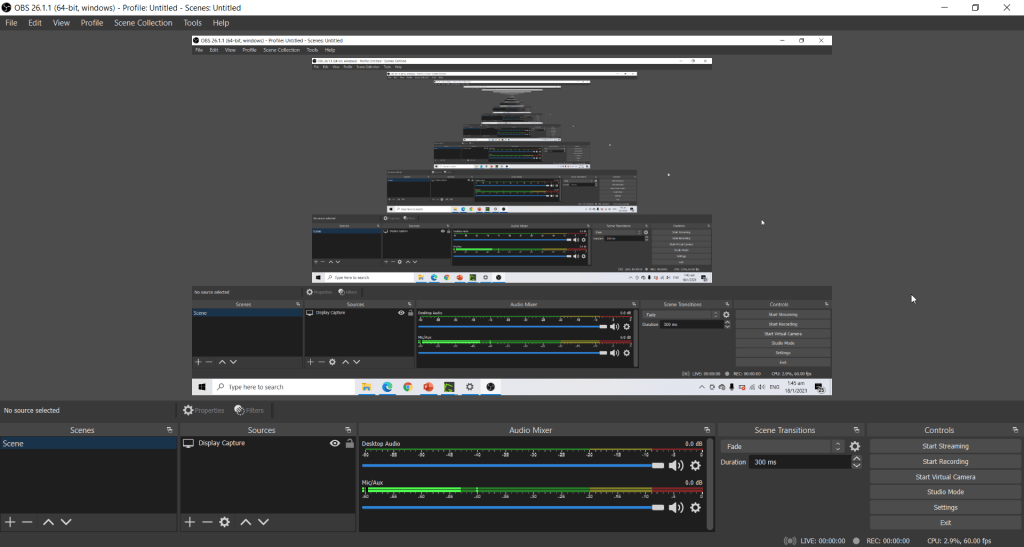
Step 5: Restart OBS Studio and it should work!
If you want to watch the video tutorial, check out the video below.
 Tech That Matters