
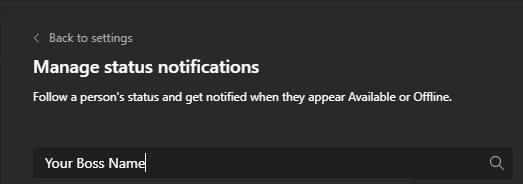
‘Keep track of someone’s status and get notified when they appear available or offline.’ This is a feature you could set in your TEAMS.
TEAMS is used by various companies across different industries. This feature might be a necessity for fast-paced work environments like trading desks where communication and time to action are critical for success.
However, in most work environment, you wouldn’t want to keep track of your team members’ online status as this will make you appear as a micro-manager or worst. This is also not a tool to track productivity of your employees.
So, here is how you can set notification to track someone’s status in TEAMS:
Step 1: Go to Settings under Manage Accounts
Step 2: Click on Notification tab

Step 3: Click on People section and Edit button
Step 4: Enter your boss name
 Tech That Matters